
01First, understand: AV has two pricing logics
Two quotes for the same sound system are double apart — before deciding who is expensive, check what pricing logic each one uses.
| Model | How it's priced | Typical for |
|---|---|---|
| Fixed package by scale tier | Tier set by headcount, one fixed package per tier, one price for the whole set | Sound, lighting |
| Unit price × quantity | Priced on actual square metres, units or people used | LED screens, photo and video |
For a tiered quote, ask "how many speakers and lights are in this tier?" For a usage-based quote, ask "beyond the screen itself, are processors and technicians included?" Ask the wrong question and the answer is useless.
02Sound and lighting: six scale tiers
The industry standard splits by headcount and venue type:
| Tier | Headcount | Typical configuration |
|---|---|---|
| Ultra-small | Up to 50 | Portable PA, no professional console needed |
| Small | 100–200 indoor | Basic full-range speakers + mixing console + wireless mics |
| Small-medium | 200–300 indoor | Full PA: full-range, subwoofers, monitors, amps, processors, effects |
| Medium | 300–500 indoor | More channels, delay fills, multiple wireless mics |
| Medium-large | 500–700 | Line array or array system, professional console, multi-zone fills |
| Large | 1,000+ / government conference | Large array system, backup console, multi-channel routing |
What a 200–300 person sound package should include
Taking the small-medium tier as an example, a complete sound specification usually includes:
- Full-range speakers — main PA, usually one set per side
- Subwoofers — low-frequency reinforcement, essential for music-led events
- Monitor speakers — for speakers and performers on stage
- Amplifiers — to drive the speakers, matched by power
- Professional mixing console — 24 or 32 channels, chosen by input count
- Audio processor — EQ, limiting, crossover
- Effects unit — reverb, delay
- Wireless microphones — handheld and lavalier, quantity set by the number of people on stage
- Antenna distribution and antennas — essential in large rooms, otherwise wireless mics drop out
- Sound engineer and loaders — priced per person, often omitted
"Antenna distribution" and "antennas" are the two items most often cut. In a small room you won't notice — at a few hundred people and tens of metres, wireless mics start dropping out and picking up noise. If the quote doesn't list these two, ask.
Lighting: judge by console grade
The quickest way to read a lighting tier is the console:
- Small — simple console, basic illumination and simple effects
- Medium — MA-series console, programmable, multiple scene changes
- Large — Grand MA2-class console, complex light shows, independent multi-zone control
For fixtures, the common mix is PAR cans (wash), moving beam heads (dynamic effects), gobo lights (pattern projection) and key/front light (lighting the people on stage). Whether the front light is a cool source matters a great deal — a hot source shifts colour on camera and makes faces look yellow.
03LED screens: priced by usage, but the ancillaries are the real cost
LED screens are priced per square metre, but the panel is not what drives the total on its own.
| Component | Priced by | What to check |
|---|---|---|
| Screen panels | m² | Pixel pitch P2.5 / P3 / P4 — finer is sharper and dearer |
| Video processor | Unit | Essential for switching multiple sources |
| Splicing processor | Unit | Essential for large or multi-screen walls |
| Technician | Person | On-site setup and troubleshooting |
| Structural support | Item | Timber base, ballast, support frames |
| Supporting TV / monitors | Unit | Confidence monitors, vision-mix monitoring |
| Cabling and signal transmission | Item | Long runs need signal amplifiers |
Ask "what does this per-square-metre price include?" The usual trap: the unit price covers only the panels, with structure, processors and technicians billed separately — together they can cost as much as the screen itself.
04Four things to confirm before load-in
Each of these is on our pre-load-in self-check list. Miss one and something can go wrong on site.
① Venue survey
- Verify dimensions — don't trust drawings, measure on site
- Walk the access route — can the equipment get in, what can the lift carry
- Equipment positions — where speakers hang, where truss stands, where the console sits
- Power load and connections — where the distribution points are, who connects, how much cable is needed
② Coordinate with technical
- Installation sequence for projection screens, LED, LED drapes and TVs — what goes first
- Whether the factory needs to pre-build brackets, load platforms, cut-outs, edge trims or risers
- Who runs power to each equipment position
- Whether video and PPT drafts have been sent to the technical team in advance for testing
③ Prepare all media
- Music: leader's entrance, awards, pre-show warm-up, post-show exit, prize draws
- Video: countdown, LED drapes, warm-up loops, performance cues
- Hand all media to the technical team a day early to test-play — never play it for the first time live
④ Power assurance
- Power must come from the main distribution board, with lighting, sound and LED on separate circuits
- Confirm the load is sufficient; never power lighting and sound from wall sockets
- Route all cables neatly and protect them to prevent trips and crush damage
05On-site verification: check by stage
AV verification is not a glance before doors open — it happens in stages.
During installation: check safety
- Leakage tested?Confirm every distribution board is not overloaded
- Lighting truss and LED secure?Safety cables fitted, supports adequate, spans within load
- Cables exposed?Fire precautions in place, fixtures locked so they cannot fall
- LED backup?Spare cabinets recommended for critical areas
Before rehearsal: check the list
- Materials checklistWireless and wired mics, stands, lavaliers, music drives all present, with enough batteries
- Playback equipmentPlayback laptops, switcher, DVD, video interface cables all ready
- Comms systemInternal intercom fitted so vision mix, lighting and sound can talk in real time
Before rehearsal: check lighting
- Multi-scene testPre-show, video playback, performance, leader's entrance — run each scene
- Front light checkIs the podium lit, and is the source cool-toned
- Avoid screen spillNo light hitting the projection screen or LED wall and washing out the image
- LOGO projectionFollow spots and LOGO lights working, projection position accurate
- Backdrop fillAreas of backdrop that need lifting are lit
CaseRelated projects
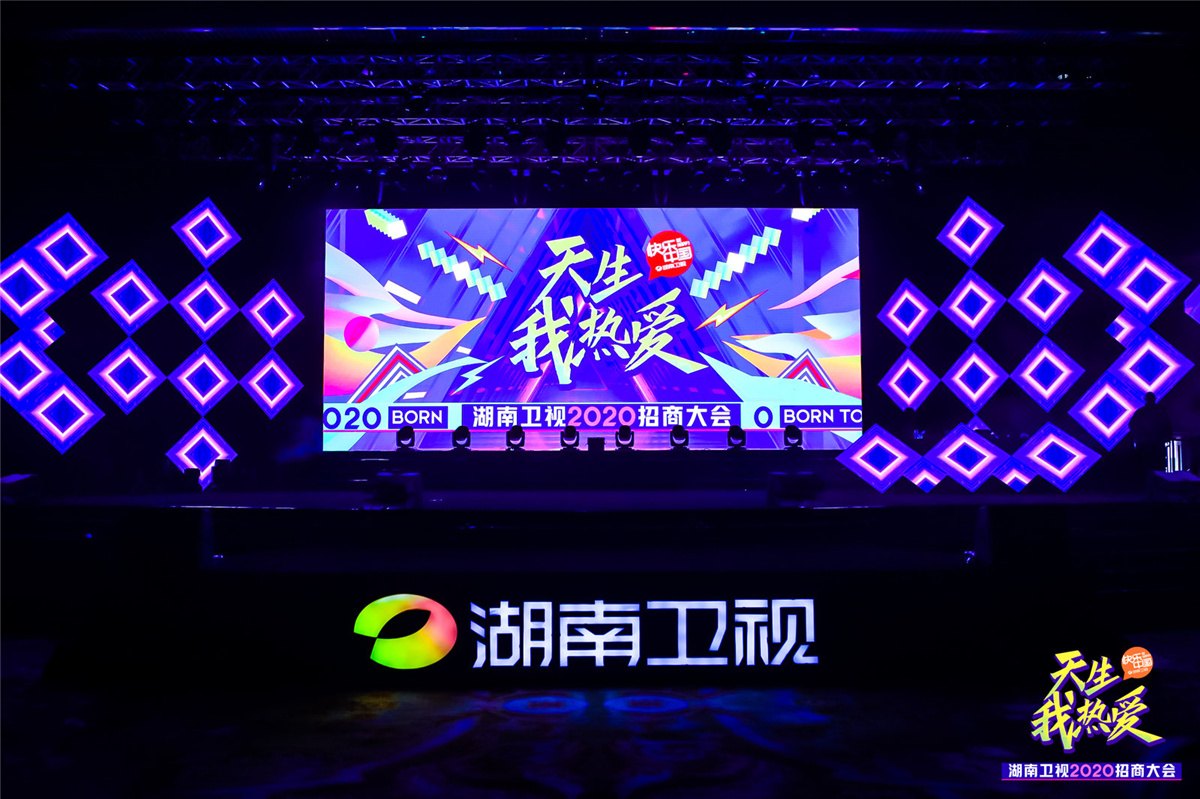
Approx. 1,500 people · irregular screen configuration and stage lighting
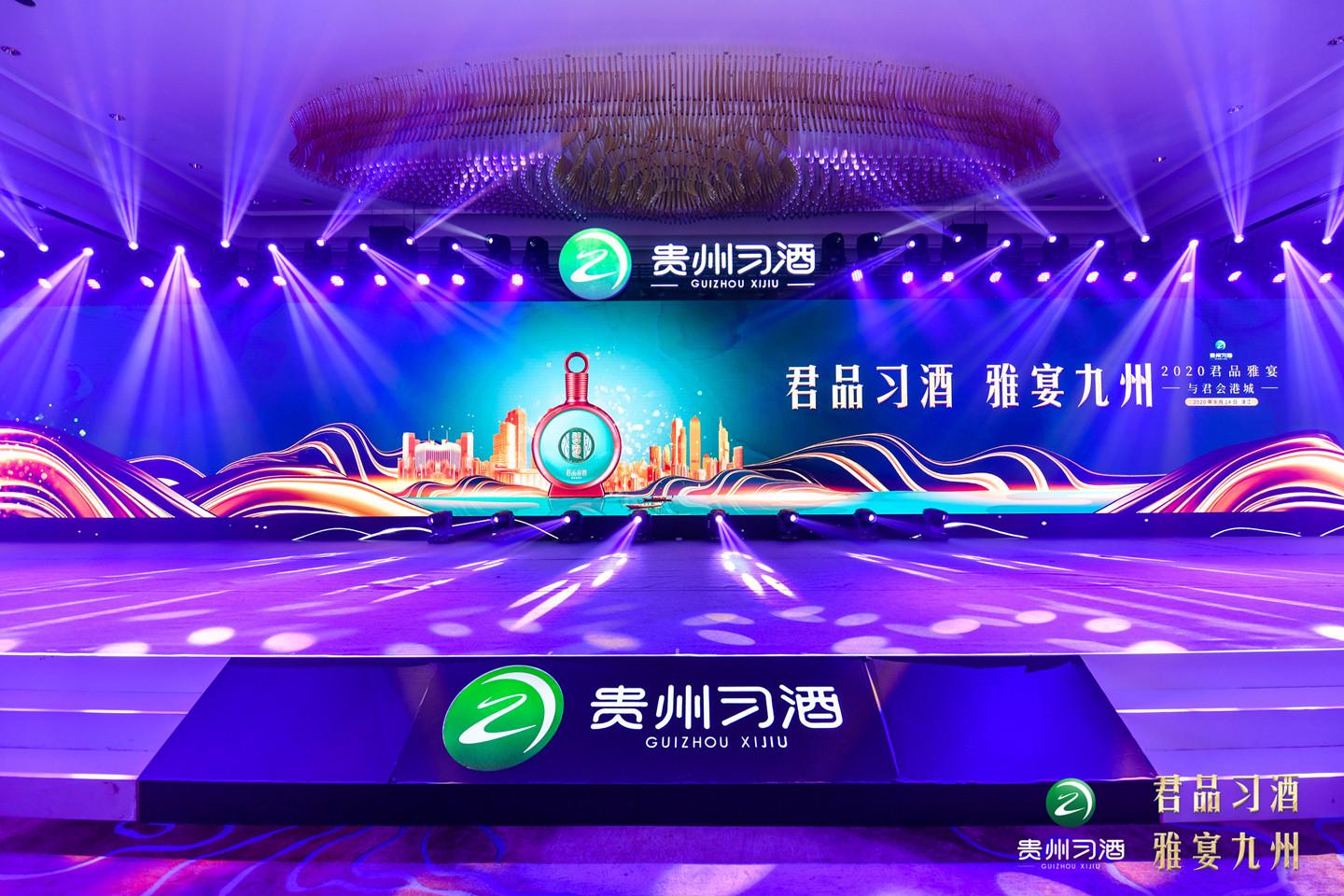
Nearly 30 roadshow stops · unified visuals, multi-city equipment setup